The shelf button
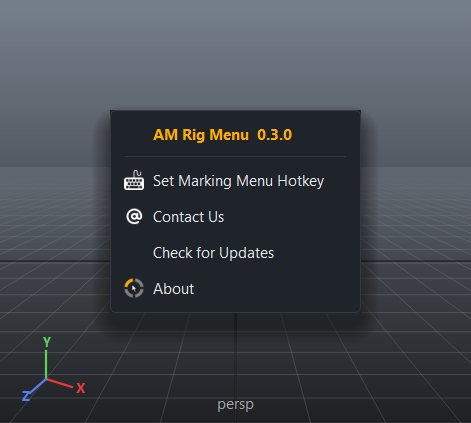
The installer puts an AM Rig Menu button on the shelf you chose. Clicking it opens a small menu — the same style every AM tool's button uses:
| Item | What it does |
|---|---|
| Set Marking Menu Hotkey | Opens the hotkey dialog. |
| Contact Us | Opens the contact page on movahhedi.com in your browser. |
| Check for Updates | Checks now, and shows what changed. See Updates. |
| About | Version and licence. |
Nothing to open
AM Rig Menu has no main window. The tool is the marking menu, which is ready
the moment Maya starts: the AM_Tools userSetup.py starts it, loads the
plug-ins you installed and colours the Channel Box. The shelf button is only for
the handful of things you do once.
Calling it from a script
Everything on the button can be reached from Python too — from a marking menu of your own, another tool, or a hotkey: