Display and viewport
Three commands for seeing the rig better, all on the ring and all working on the viewport you opened the menu in. They work on any rig — or on no rig at all.
Toggle Display (↑)
A submenu of what the viewport shows, laid out as its own ring. Each item has a tick when it is currently shown; flicking to it toggles it.
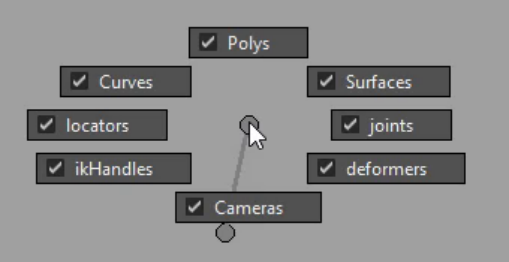
| Item | Shows or hides |
|---|---|
| Polys | polygon meshes |
| Curves | NURBS curves — most rig controls |
| Surfaces | NURBS and subdivision surfaces |
| joints | joints |
| locators | locators |
| deformers | deformer handles |
| ikHandles | IK handles |
| Cameras | cameras |
A typical use: hide Polys to see the controls buried inside a mesh, flick them back on to check the pose.
X-Ray (←)
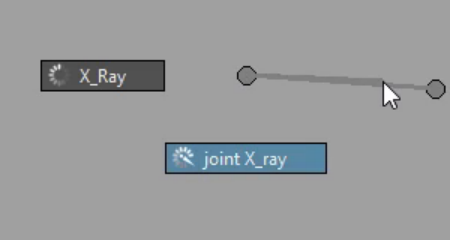
| Item | Toggles |
|---|---|
| X-Ray | see-through shading for the whole viewport |
| joint X-Ray | joints drawn on top of everything |
Isolate (↖)
Toggles Isolate Select for the viewport: on, the viewport shows only what is selected; flick again to show everything.