Video tutorials
Twelve minutes, two videos, every shortcut on screen as it is used. The fastest way in.
The videos play on the Am_Picker page. Each chapter link below opens the player at that moment.
-
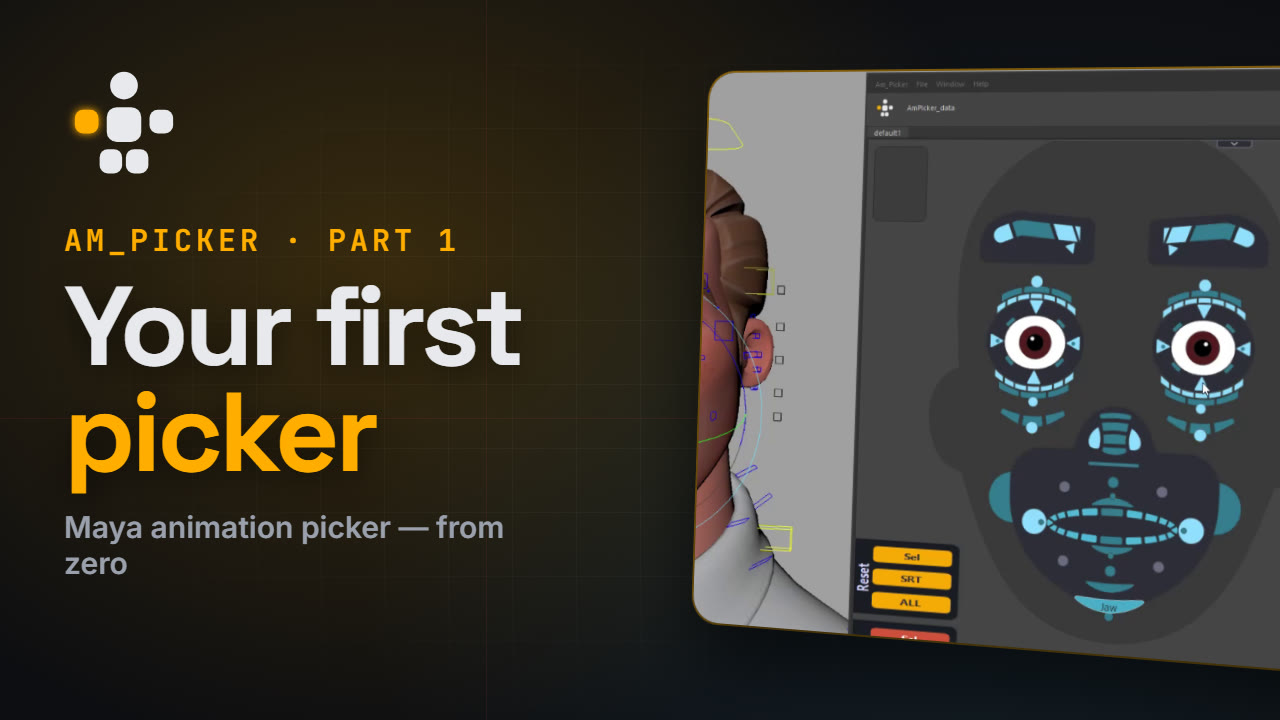
Part 1 — Getting Started · 4:27
From an empty canvas to a picker that drives the rig.
Time Chapter 0:18 Install 0:26 Your first picker 0:50 Shape it — Channel Box, vertices 1:18 Mirror — live mirror 1:42 Sculpt in Maya 2:12 Shapes and pivots 2:59 Colour and text 3:31 Connect the rig 4:04 Shortcut cheat sheet -
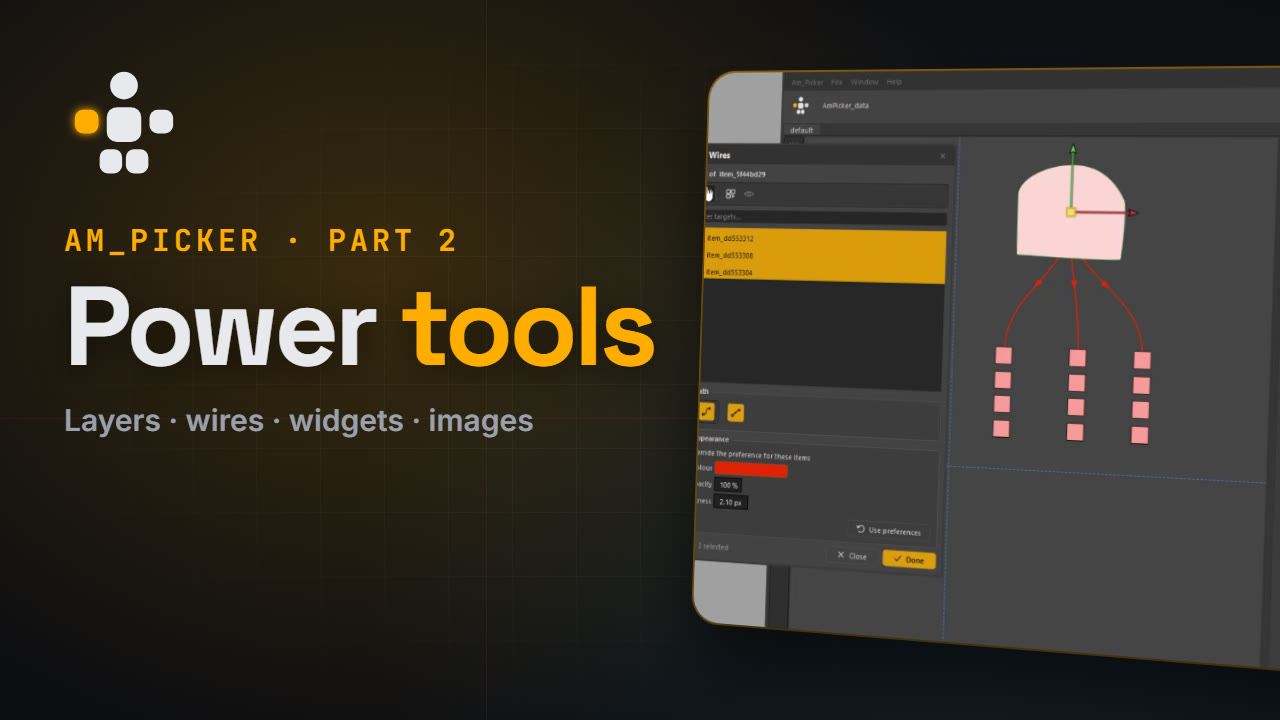
Part 2 — Power Tools · 7:07
Everything beyond the basics.
Time Chapter 0:18 Organise — Outliner, Pen tool, layers 1:19 Smart selection — double-click, link wires 2:02 Buttons and panels 2:34 Views and scripts 3:16 Widgets 3:54 Images and grids 5:12 Vector to Picker 5:55 Make it yours — Preferences 6:44 Shortcut cheat sheet
Where each chapter is written up
| Chapter | Page |
|---|---|
| Install | Install |
| Your first picker | Your first picker |
| Shape it | Drawing shapes, Channel Box |
| Mirror | Mirroring |
| Sculpt in Maya | Sculpting outlines in Maya |
| Shapes and pivots | Shape library, Arranging the layout |
| Colour and text | Colour, Creating items |
| Connect the rig | Binding controls |
| Organise | Picker Outliner, Layers |
| Smart selection | Binding controls |
| Buttons and panels | Tabs, panels and grids |
| Views and scripts | Camera bookmarks, Item scripts |
| Widgets | Widgets |
| Images and grids | Images and backgrounds, Grids |
| Vector to Picker | Generating items from art |
| Make it yours | Preferences, Keyboard shortcuts |